.svg)

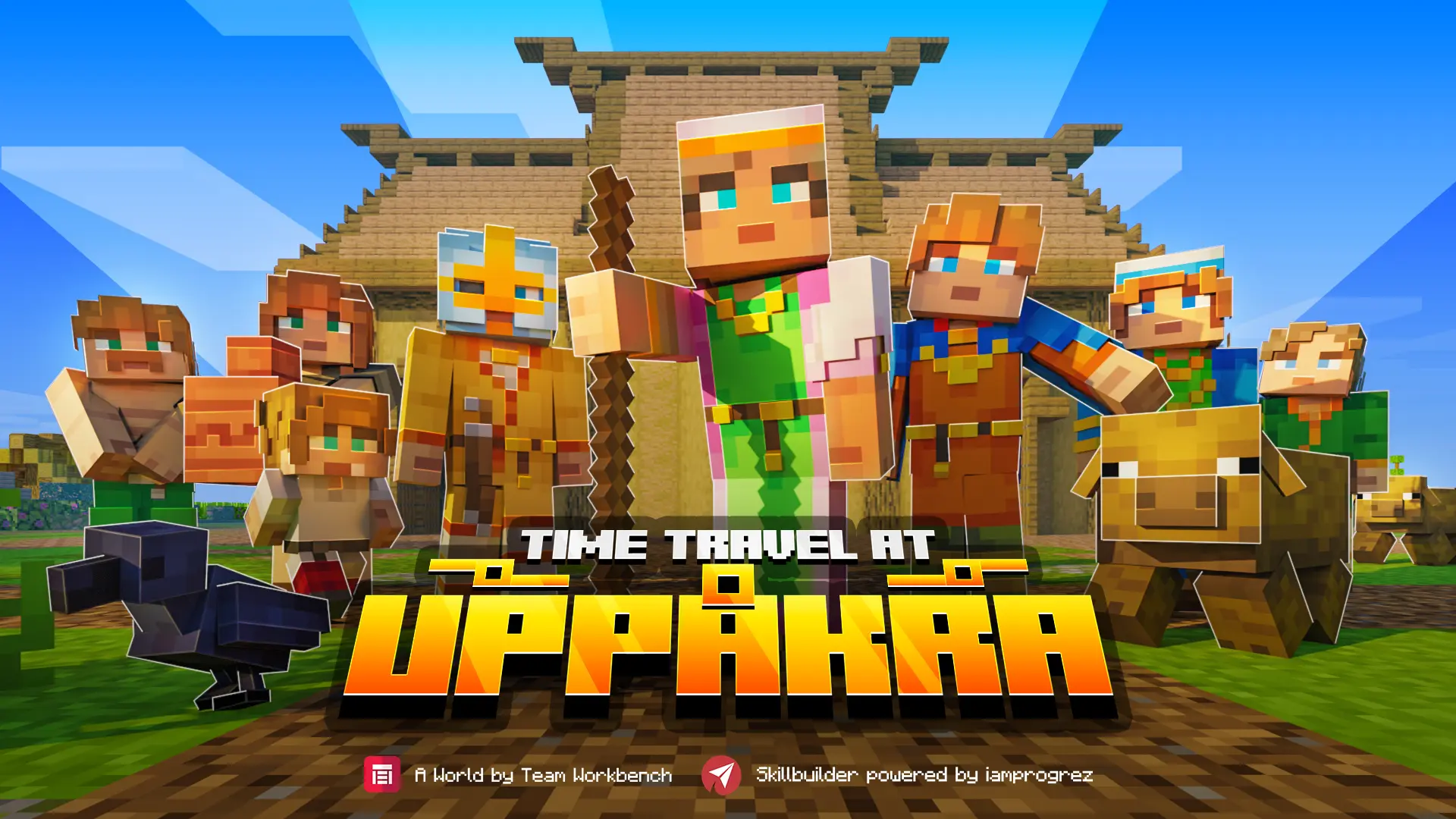
Meet the Uppåkra Archaeologists
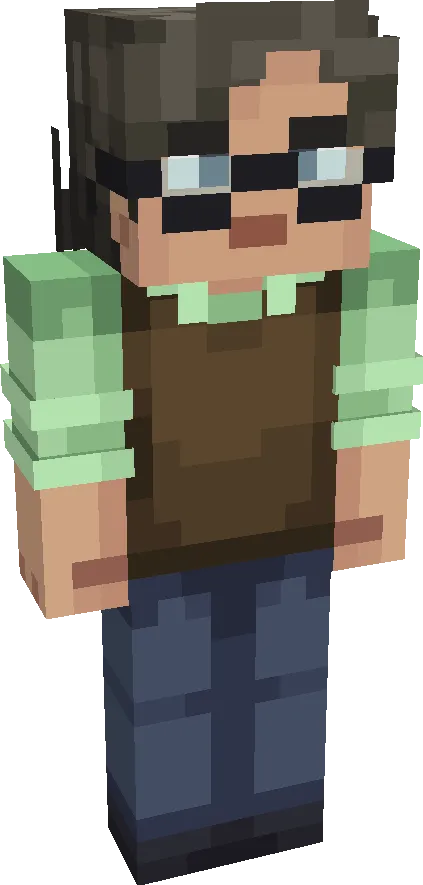
NPC: Sofia Winge
Welcome!
My name is Sofia Winge, and I am an archaeologist at the Uppåkra Foundation – the foundation dedicated to bringing the remarkable archaeological site of Uppåkra to life.
Between Malmö and Lund lie the traces of one of Northern Europe’s largest and most long-lasting Iron Age settlements. For over 1,100 years, Uppåkra was a political, economic, and religious centre of power. Here, rulers governed, traders gathered, and people worshipped the Norse gods.
Today, only fields and farmland can be seen on the surface. But beneath our feet, the stories remain, layer upon layer. Only 0.2% of the site has been excavated – meaning we stand before a unique opportunity to rewrite our ancient history.
Welcome to discover Uppåkra – where history still waits to be uncovered.
My name is Sofia Winge, and I am an archaeologist at the Uppåkra Foundation – the foundation dedicated to bringing the remarkable archaeological site of Uppåkra to life.
Between Malmö and Lund lie the traces of one of Northern Europe’s largest and most long-lasting Iron Age settlements. For over 1,100 years, Uppåkra was a political, economic, and religious centre of power. Here, rulers governed, traders gathered, and people worshipped the Norse gods.
Today, only fields and farmland can be seen on the surface. But beneath our feet, the stories remain, layer upon layer. Only 0.2% of the site has been excavated – meaning we stand before a unique opportunity to rewrite our ancient history.
Welcome to discover Uppåkra – where history still waits to be uncovered.
Uppåkra in Minecraft
My colleagues and I, together with schoolchildren from Skåne who have taken part in our Archaeology School, have begun to uncover the mysteries of Uppåkra. Now, you and your students can also take part in the archaeological investigations – in Minecraft!
Help the archaeologists excavate finds, travel back in time, and explore the history of Uppåkra. At the same time, learn about archaeological methods and interdisciplinary subjects used to extract new knowledge.
Help the archaeologists excavate finds, travel back in time, and explore the history of Uppåkra. At the same time, learn about archaeological methods and interdisciplinary subjects used to extract new knowledge.
Where the Game Meets Reality
Meet Uppåkra’s archaeologists and the Scientific Advisory Board
Hello! My name is Mats Fastrup, and I am the chair of Uppåkra’s Scientific Advisory Board.
In the Minecraft world, students will interact with so-called NPCs (Non-Player Characters). Their names and identities belong to real individuals – including archaeologists and researchers from the Scientific Advisory Board.
Thus, in the game, students will meet scholars from various fields such as cognitive science, education, history, space science, and osteology.
There is also an opportunity to book digital classroom meetings with one of the archaeologists featured in the game, or to send questions to the researchers to gain a deeper understanding of Uppåkra.
How to Send a Digital Letter to the Scientific Advisory Board
If you or your students have questions for the Scientific Advisory Board – perhaps about something they talk about in the game or about their profession – please feel free to send them to: sofia.winge@uppakra.se.
In the Minecraft world, students will interact with so-called NPCs (Non-Player Characters). Their names and identities belong to real individuals – including archaeologists and researchers from the Scientific Advisory Board.
Thus, in the game, students will meet scholars from various fields such as cognitive science, education, history, space science, and osteology.
There is also an opportunity to book digital classroom meetings with one of the archaeologists featured in the game, or to send questions to the researchers to gain a deeper understanding of Uppåkra.
How to Send a Digital Letter to the Scientific Advisory Board
If you or your students have questions for the Scientific Advisory Board – perhaps about something they talk about in the game or about their profession – please feel free to send them to: sofia.winge@uppakra.se.
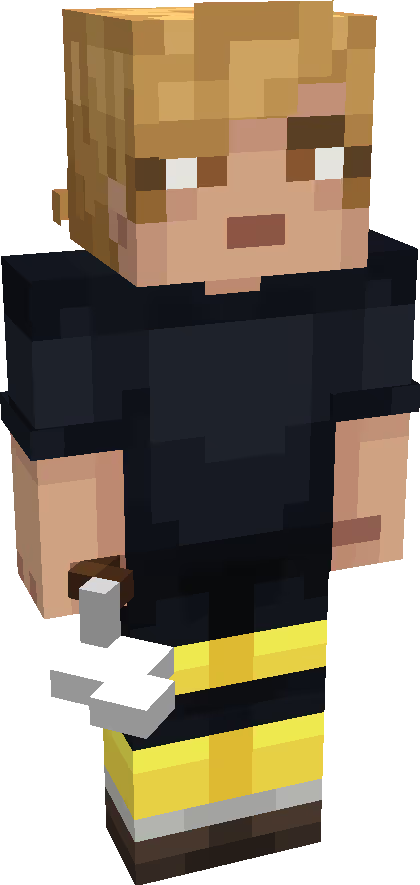
NPC: Mats Fastrup
Meet Astronaut Christer Fuglesang
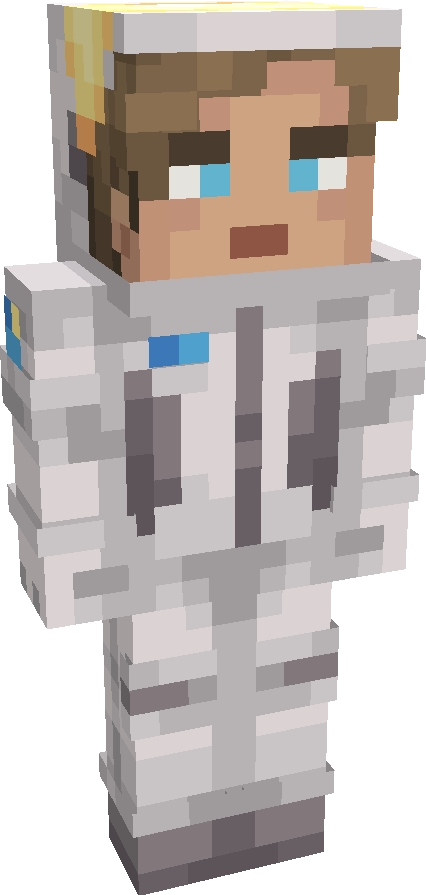
NPC: Christer Fuglesang
Hello! My name is Christer Fuglesang, and I am one of the members of Uppåkra’s Scientific Advisory Board. I am also a professor of space science – and an astronaut. In 2006, I became the first Swede in space.
I am also one of the characters in this game, where I talk about astronomy and what people during the Iron Age believed about the moon, the sun, and the stars.
Feel free to come and visit me in the game!
I am also one of the characters in this game, where I talk about astronomy and what people during the Iron Age believed about the moon, the sun, and the stars.
Feel free to come and visit me in the game!
Micke Hermansson - Grej of the day
Hello! My name is Micke Hermansson. When I worked as a teacher, I created a model with super-short lessons that became known as “Grej of the Day,” or GOTD.”
Today, GOTD is used not only in Sweden but in more than 30 countries around the world.
GOTD is based on giving students a clue that sparks their curiosity. Then they get time to think and try to figure out the answer before you, as the teacher, give a micro-lesson. If they then receive the task of telling someone else about the clue and what they have learned, they learn even more!
In the game, students get both the answer to their question and a few cool facts. As a teacher, you can of course build on this and give them more information in the classroom.
You can read more about me and GOTD here: Grej of the Day (GOTD) – Uppåkra Archaeological Center.
Students will find the clues on the page Facts About Uppåkra.
You, as the teacher, will find the clues and answers in the Teacher’s Guide.
Today, GOTD is used not only in Sweden but in more than 30 countries around the world.
GOTD is based on giving students a clue that sparks their curiosity. Then they get time to think and try to figure out the answer before you, as the teacher, give a micro-lesson. If they then receive the task of telling someone else about the clue and what they have learned, they learn even more!
In the game, students get both the answer to their question and a few cool facts. As a teacher, you can of course build on this and give them more information in the classroom.
You can read more about me and GOTD here: Grej of the Day (GOTD) – Uppåkra Archaeological Center.
Students will find the clues on the page Facts About Uppåkra.
You, as the teacher, will find the clues and answers in the Teacher’s Guide.
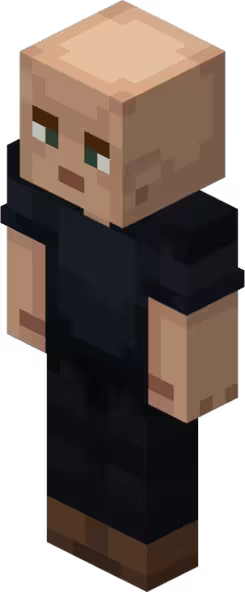
NPC: Micke Hermansson
Book a Digital Meeting (30 minutes)
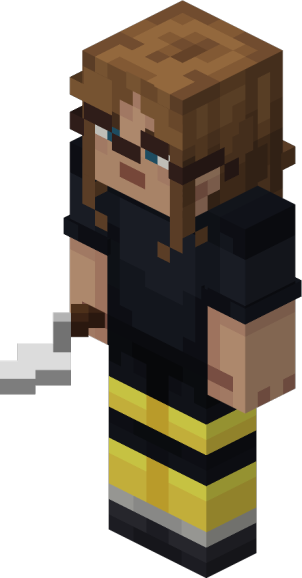
NPC: Elvira Landh
If you would like to book a digital classroom meeting, please contact me, Elvira Landh, at bokning@uppakra.se.
I will help you with your booking and with arranging the digital platform of your choice (Teams, Skype, Zoom, etc.).
I will help you with your booking and with arranging the digital platform of your choice (Teams, Skype, Zoom, etc.).
Competition!
Hello! My name is Håkan Aspeborg, and I have led the excavations at Uppåkra together with my team from Lund University.
Since 2022, Sweden’s largest archaeological research project has been underway here, uncovering generations of hall buildings – the grand residences of rulers – at the very centre of power. In the coming years, many of Uppåkra’s mysteries will be revealed, and history will be rewritten.
In the game, students get to recreate the ruler’s hall in Minecraft, based on the latest findings and excavation results. A competition is ongoing until 2026 – the interpretation that most closely matches the archaeologists’ results wins!
Send your entries to sofia.winge@uppakra.se, either as screenshots or images. Don’t forget to include documentation of the students’ choice of materials and their interpretations. The winner will be announced in 2027!
Since 2022, Sweden’s largest archaeological research project has been underway here, uncovering generations of hall buildings – the grand residences of rulers – at the very centre of power. In the coming years, many of Uppåkra’s mysteries will be revealed, and history will be rewritten.
In the game, students get to recreate the ruler’s hall in Minecraft, based on the latest findings and excavation results. A competition is ongoing until 2026 – the interpretation that most closely matches the archaeologists’ results wins!
Send your entries to sofia.winge@uppakra.se, either as screenshots or images. Don’t forget to include documentation of the students’ choice of materials and their interpretations. The winner will be announced in 2027!
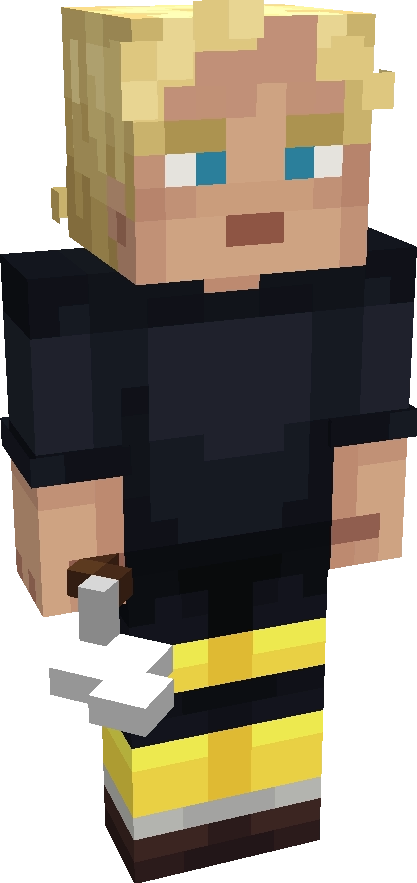
NPC: Håkan Aspeborg
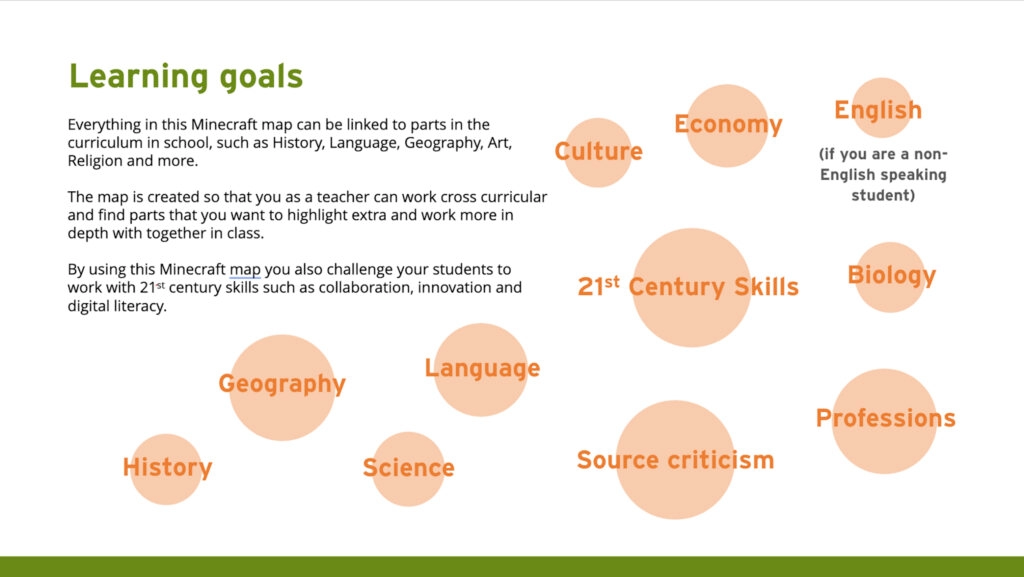
Why Minecraft Education?
Minecraft Education can be used to spark creativity in the classroom. Minecraft is already played by millions of children around the world, with an even balance between boys and girls.
When used wisely and purposefully by a teacher, Minecraft can be an invaluable resource for learning subjects that can otherwise be challenging to engage students in.
Minecraft Education includes features developed specifically for the classroom, such as NPCs (Non-Player Characters) that act as storytellers and guide students throughout the game.
When used wisely and purposefully by a teacher, Minecraft can be an invaluable resource for learning subjects that can otherwise be challenging to engage students in.
Minecraft Education includes features developed specifically for the classroom, such as NPCs (Non-Player Characters) that act as storytellers and guide students throughout the game.
Getting started
This Minecraft world was created for Minecraft Education Edition.
To play, you need Minecraft Education Edition and a Microsoft Academic Account. All Microsoft Academic Accounts allow you to play Minecraft Education for free up to ten times. Many municipalities in Sweden already provide these accounts for schools.
To download Minecraft Education Edition, click here.
To play, you need Minecraft Education Edition and a Microsoft Academic Account. All Microsoft Academic Accounts allow you to play Minecraft Education for free up to ten times. Many municipalities in Sweden already provide these accounts for schools.
To download Minecraft Education Edition, click here.
Questions
On the official Minecraft Education website, you will find clear instructions on how to get started and more helpful advice for playing: Minecraft Education Edition.
Useful Links
Start | Minecraft Education Edition
If you would like to book a digital or physical workshop on how to best work with Minecraft Education in the classroom, we also recommend Kodcentrum, which has long experience and solid expertise. Contact info@kodcentrum.se for more information.
If you would like to book a digital or physical workshop on how to best work with Minecraft Education in the classroom, we also recommend Kodcentrum, which has long experience and solid expertise. Contact info@kodcentrum.se for more information.
Starting the Game
A good recommendation is to play one of the simpler worlds in Minecraft Education together with your students before starting Time Travel at Uppåkra, as it is a more complex world than many others on the platform.
Option 1:
Option 1:
- Download Time Travel at Uppåkra (see top of this page, right column). It may take some time to download.
- Open the world file (which will launch Minecraft Education Edition).
- Log in with your Microsoft Academic Account.
- Play!
Option 2:
- Download Time Travel at Uppåkra.
- Open Minecraft Education Edition.
- Click Play.
- Click Import.
- Choose the downloaded world file Time Travel at Uppåkra.
- Open the file.
- Play!
Translation in the Game
This game is available in Swedish and English (link here to the English page). It can also be translated into other languages if needed.
This game is available in Swedish and English (link here to the English page). It can also be translated into other languages if needed.
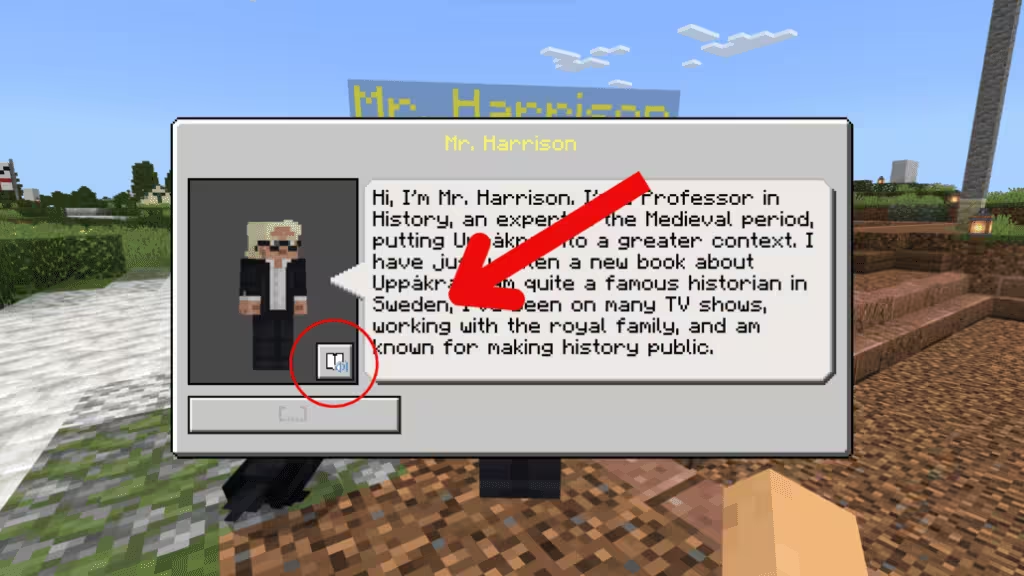
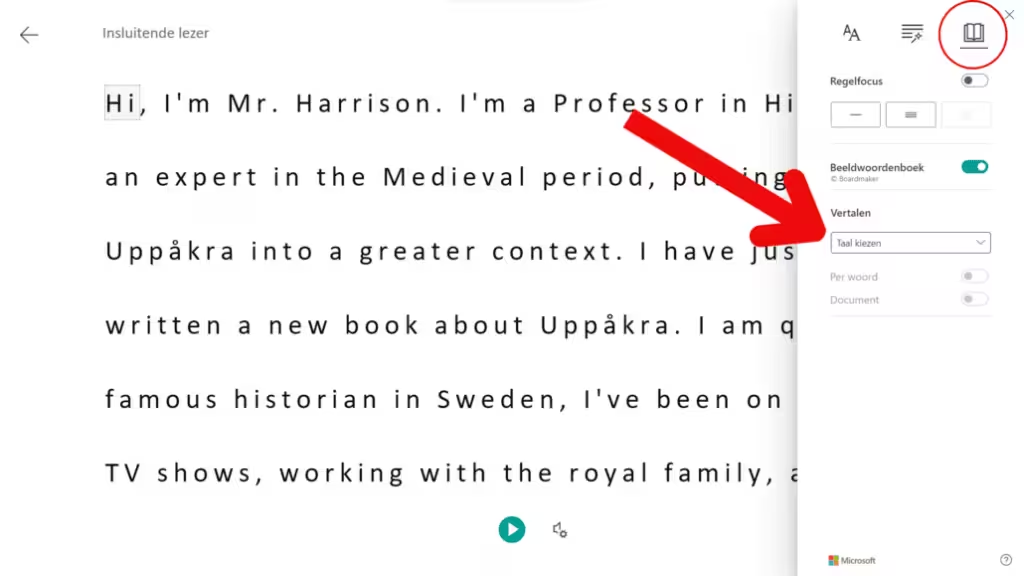
Commands
Here you will find some general commands in the game. More tips for completing each mission can be found in the Teacher’s Guide.
If you get stuck:
Press T to open the chat window. Type /function travel/next to get unstuck.
Need to return to present-day Uppåkra?
Talk to Munin the raven and follow his instructions.
On foot
If you get stuck:
Press T to open the chat window. Type /function travel/next to get unstuck.
Need to return to present-day Uppåkra?
Talk to Munin the raven and follow his instructions.
On foot
- W = Forward
- S = Backward
- A = Left
- A = Left
- A = Left
- Left mouse button (empty hand) = Swing arm / Attack / Destroy
- Right mouse button (with item) = Swing item (for digging) / Attack / Destroy
- Right mouse button = Talk to people
- Right mouse button = Interact with objects (object displays)
- Right mouse button = Place a block
- Right mouse button = Get on the bike
- Space = Jump
- Q = Drop item
- E = Open inventory
- 1–9 or mouse scroll = Select hotbar item
On Bike
- W = Forward
- S = Backward
- A = Left
- D = Right
- Space or Shift = Get off the bike
Lesson Overview
For a more detailed overview, download the Teacher’s Guide here.
Time Travel at Uppåkra is a large world and works best when divided across several lessons. Each mission takes around 30 minutes, though this is individual. Gameplay can be combined with a lesson before or after, focusing on a specific subject or questions that arise.
The guide below offers a suggested structure for how the different parts (lessons/missions) can be played in the classroom. They can be played in the order described, but apart from needing to complete Lesson 1 to progress, there is no requirement to follow this order.
The guide below offers a suggested structure for how the different parts (lessons/missions) can be played in the classroom. They can be played in the order described, but apart from needing to complete Lesson 1 to progress, there is no requirement to follow this order.
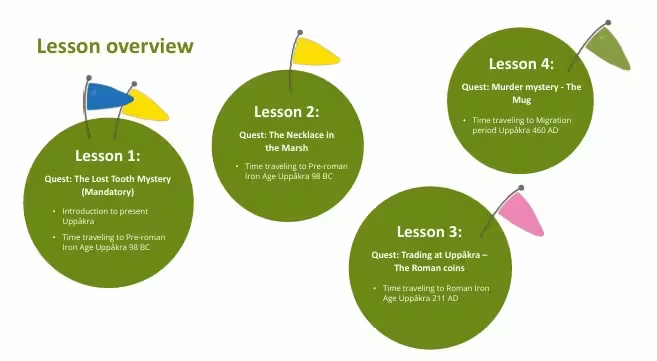
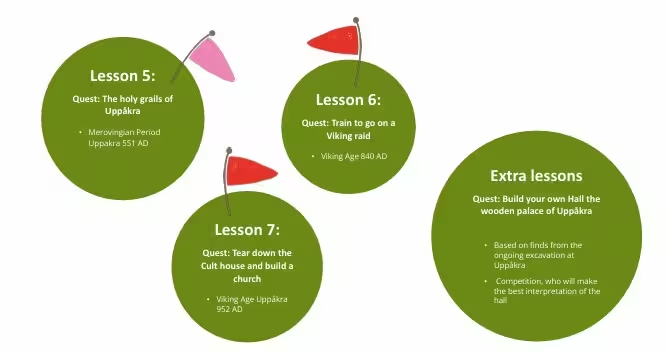
Contribute to the Research
This game is constantly evolving. We are grateful for your feedback!
Please write to us and tell us how you have used Time Travel at Uppåkra in your classroom. All suggestions for improvements are warmly welcomed.
Please write to us and tell us how you have used Time Travel at Uppåkra in your classroom. All suggestions for improvements are warmly welcomed.
Classroom Tips
NPC: Lärare
How do you manage different levels of Minecraft knowledge in the classroom? Sound on or off? The game contains some fun effects and even musical tones used to demonstrate music archaeology. We recommend that students use headphones if the sound is on, or turn off the sound entirely.
Every teacher knows their students best, but here are some suggestions from a teacher experienced in using Minecraft in the classroom:
Every teacher knows their students best, but here are some suggestions from a teacher experienced in using Minecraft in the classroom:
- Pause regularly to gather knowledge, spark questions, and share experiences.
Use a code word such as “Time out” when you need everyone’s attention.
Suggested interval: every 20 minutes. Hands off keyboards and screens down/covered to maintain focus. A golden rule worth establishing before you begin. - Establish early on that students should help one another. Arrange the classroom so they can support each other easily (this often works very well).
- Decide in advance how documentation will be done, and ensure that it is carried out throughout the game.
Certificates After Completing a Mission
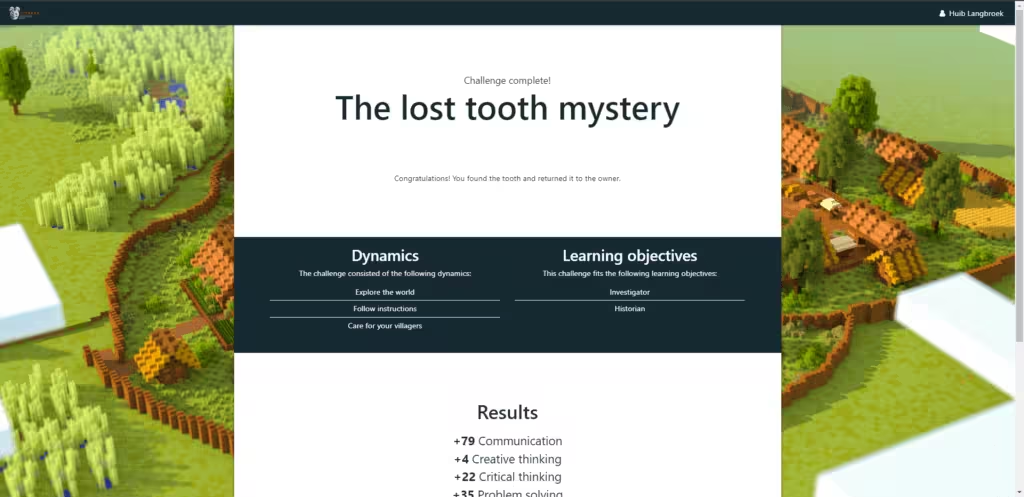
After each mission, students receive a certificate. This can be used as proof that the student has completed the mission. It also shows which skills they have practiced and which learning goals they have achieved.
When you click the certificate link, a webpage opens. You will either be asked to log in with your Microsoft account, or be logged in automatically.
Each student receives a personal certificate. You can review each student’s individual soft skills profile and see which missions they have completed.
When you click the certificate link, a webpage opens. You will either be asked to log in with your Microsoft account, or be logged in automatically.
Each student receives a personal certificate. You can review each student’s individual soft skills profile and see which missions they have completed.
The Uppåkra Model
This Minecraft world was created by Team Workbench.
Iamprogrez designed the learning aspects and the “skill builder” to create measurable learning outcomes.
The project was developed in collaboration with students from Uppåkraskolan and Jonslundskolan in Sweden, Kodcentrum, and the archaeologists of the Uppåkra Foundation.
This project was funded by Microsoft.
Iamprogrez designed the learning aspects and the “skill builder” to create measurable learning outcomes.
The project was developed in collaboration with students from Uppåkraskolan and Jonslundskolan in Sweden, Kodcentrum, and the archaeologists of the Uppåkra Foundation.
This project was funded by Microsoft.
This project was financed by microsoft
Movie about time travel at Uppåkra.
Download the game here!
Teachers guide
Quick installation guide
Snabbnavigation
- Nutida Uppåkra möter förhistoriska Uppåkra
- Träffa Uppåkras arkeologer och vetenskapliga rådet
- Grej of the day
- Boka ett digitalt möte
- Tävling!
- Varför Minecraft Education
- Ladda ner och kom igång med spelet
- Kommandon i spelet
- Lektionsöversikt
- Bidra till forskningen
- Tips på klassrumsregler
- Certifikat efter avklarat uppdrag
- Uppåkramodellen
- Film om time travel at Uppåkra